How to preserve a loved one's memory: their stories come first
Photos, chats and voice notes matter, but they don't tell you who someone was. The essence lives in your memory: what they were like, who they loved, what they enjoyed, their habits and the stories of their life. This guide helps you write it down first, and then save their files without rushing.
8 min read
In 30 seconds
- The essence isn't on a phone, it's in your memory: what they were like, their relationships, their likes and quirks, their habits, their hobbies and the stories of their life.
- Start by writing that down, even as a list and a little at a time: it's what truly lets people recognise them.
- Then save their WhatsApp chats including media, their voice notes and their photos with their context.
- Check the legacy options offered by Apple, Google and Facebook before an account is closed.
- With all of it you can create a conversational memorial that remembers them for who they were, not just how they wrote.
In this article
The essence: who they were, not what their phone kept
When we lose someone, the first thing we do is hold on to their things: their photos, their messages, their voice notes. That's natural, and they're worth keeping. But a file doesn't tell you what they were like: why they laughed, who they called every Sunday, what they couldn't stand, what made them happy.
Only you know that. And it's also what fades first: details blur over the years, and the people who remember them won't always be there. That's why this guide starts there.
Their relationships
Who they loved, who they argued with, who their lifelong friends were and how they were with each of them.
Their likes and quirks
What they loved and what they couldn't stand: food, music, places and those little everyday quirks.
Their habits and hobbies
Their rituals and routines, the garden, football, knitting, the Sunday crossword.
The stories of their life
Their childhood, how they met the people who mattered, their jobs, their travels and the stories the family always tells.
A photo shows their face. A story shows who they were.
1. Write down what they were like (the most important part)
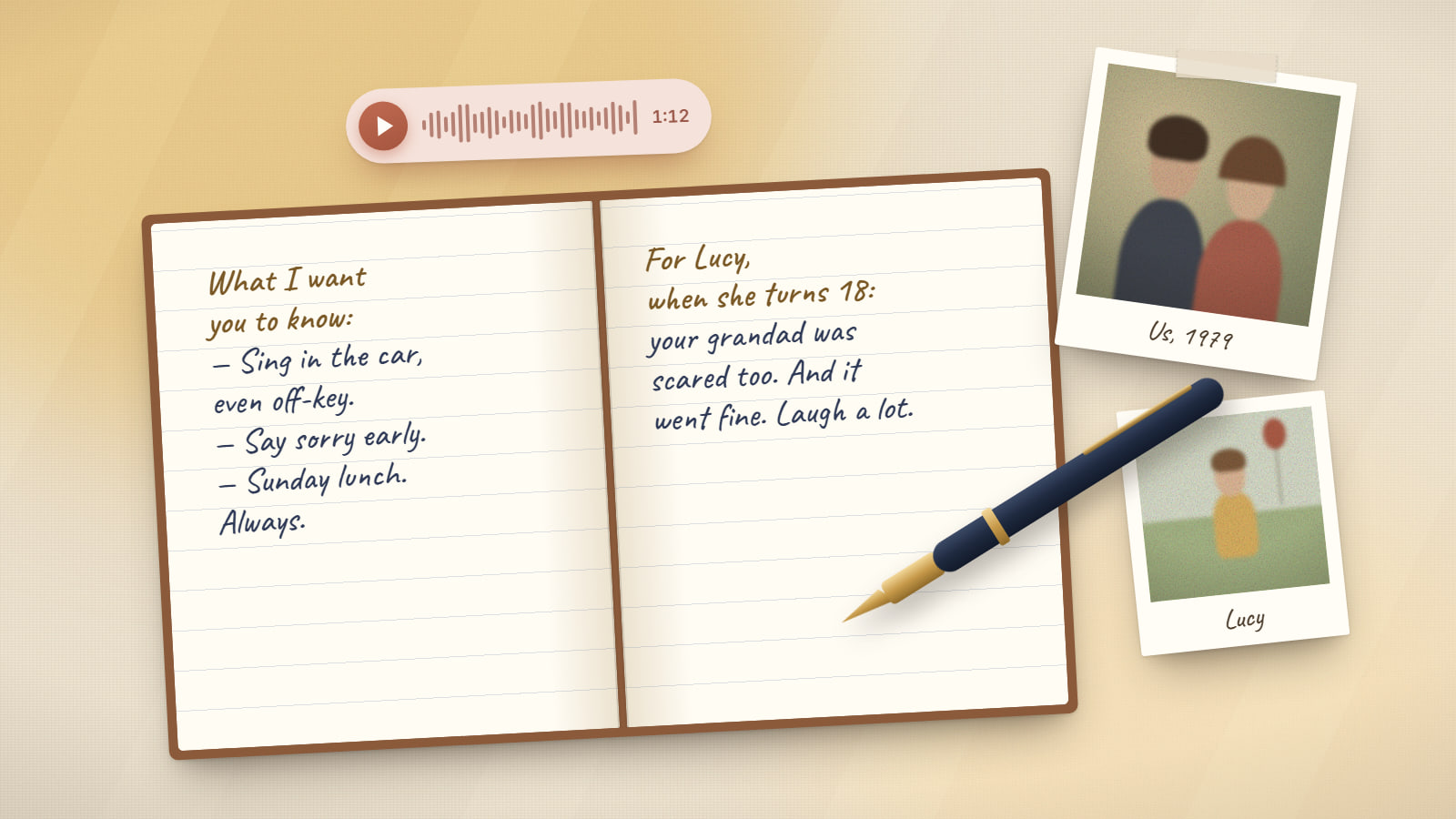
Set aside an afternoon to write it down, even as a list, and come back whenever something else comes to mind. You don't need to write well: short sentences, as if you were telling someone who never met them. And ask each relative to add their part: everyone holds a different piece of them.
What's worth telling
- What they were like: their character, their humour, how they got cross and how they made up
- Their relationships: partner, children, siblings, lifelong friends, and how they were with each one
- What they loved: food, songs, places, shows, their team
- What they couldn't stand (affectionately)
- Their habits: daily rituals, quirks, how they said hello and goodbye
- Their hobbies: what they did in their free time and what they were passionate about
- The stories of their life: childhood, jobs, moves, travels, hard times
- The anecdotes the family always tells
- Their expressions and pet phrases, and the advice they kept repeating
- Their values: what they stood up for and what they forgave
Also: save their files before they're lost
Files don't replace stories, but they complete them: their messages show how they wrote, their voice is irreplaceable and photos put a face to the memories. There are three things worth securing early, because they vanish without warning:
The chats
A phone that gets wiped, sold or left without a backup takes their conversations with it.
The voice notes
They are what people miss most… and the first thing deleted when someone "frees up space".
Printed photos
They get damaged, end up scattered across houses and, over the years, nobody remembers who's in them.
2. Save their WhatsApp chats
Good news: you don't need their phone. Your conversations with that person live on yours, with their messages and voice notes. The same goes for family group chats. They don't tell their life story, but they do keep something very much theirs: the way they wrote.
Open the chat
Your one-to-one chat with them, or the family group.
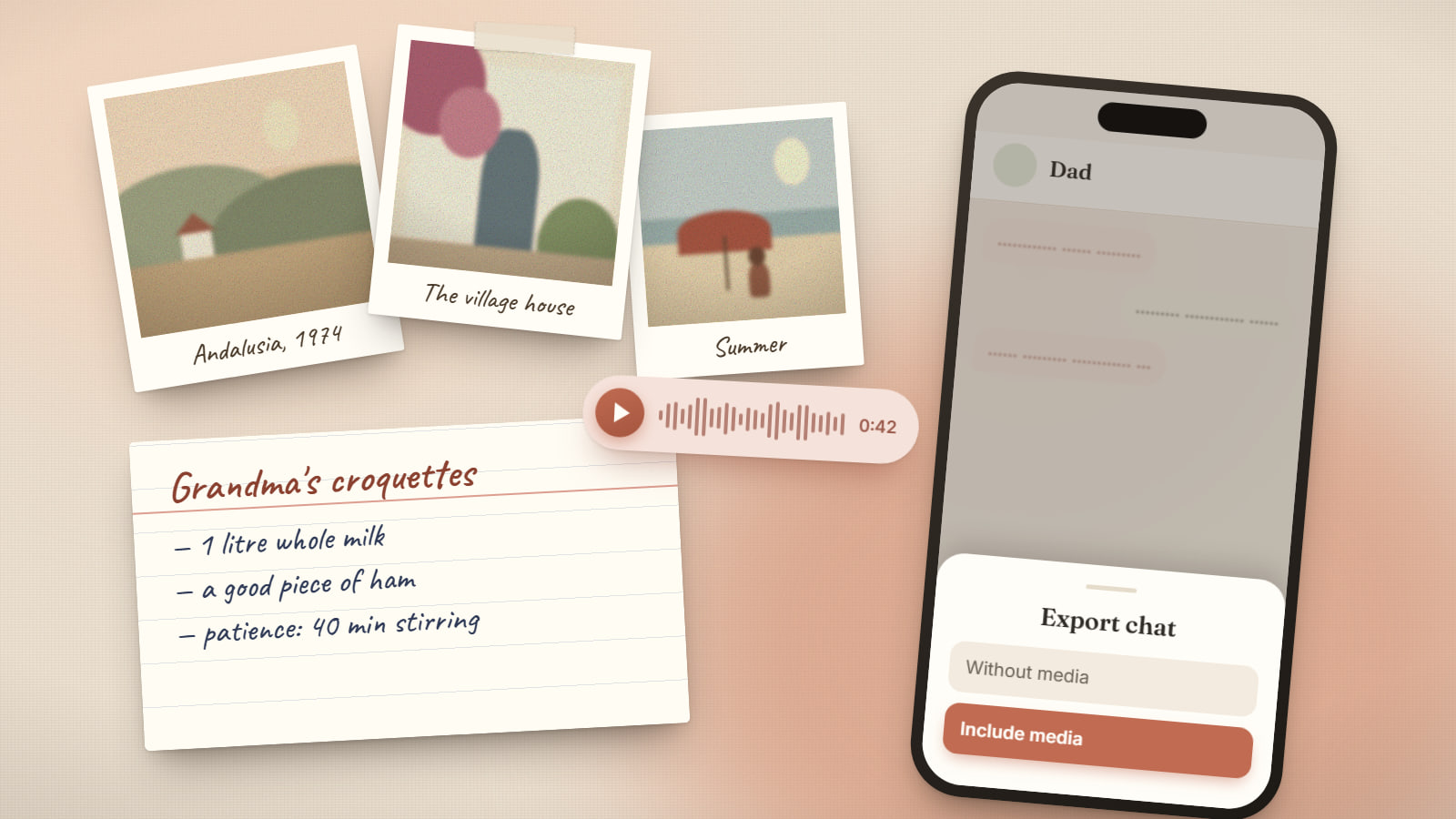
Find "Export chat"
On Android: ⋮ menu › More › Export chat. On iPhone: tap the contact or group name and scroll down to Export Chat.
Include media
That way photos and voice notes are saved too. For very long chats, WhatsApp limits how many messages are exported with media: also make an export without media to keep all the text.
Store it off the phone
Email it to yourself or save it to your computer or cloud storage. Depending on the phone, you'll get a compressed file or a .txt file plus the attachments.
3. Rescue their voice notes
WhatsApp voice notes come inside the export with media (they usually have the .opus extension). Keep them in a separate folder and rename them with the date and a clue: 2023-05-14 birthday wishes for Lucy. In a few years you'll be glad you know what's in each one.
Look elsewhere too: voicemails, home videos, Telegram audio, recordings from a celebration. And if they tell a story in a recording, write it down as well: that way it becomes part of their memories, not just their voice.
4. Gather their photos and write their stories
- Ask the family to pool what they have in one shared album: Google Photos and iCloud both support shared albums.
- Digitise printed photos with your phone, in natural light and without flash, or with a scanning app.
- Write the story behind each important photo: who's in it, where, when and what was happening. A photo without its story is just an image; with it, it's a memory.
5. Protect their online accounts
Many platforms have options for when someone dies. It's worth checking them early, because some inactive accounts are deleted after a while.
| Platform | What it offers |
|---|---|
| Apple (iPhone, iCloud) | A Legacy Contact chosen by the person in life can access their iCloud data with a death certificate. Without one, the process is harder and usually requires legal documentation. |
| Google (Gmail, Google Photos) | The Inactive Account Manager shares data with trusted contacts, if it was set up. Families can also submit a request to Google about a deceased user's account. |
| Facebook and Instagram | Accounts can be memorialised or removed on request. On Facebook, a legacy contact can manage some aspects of the memorialised account. |
| There is no legacy contact. Your best source is your own chats with that person and their backups. |
6. Give them a place that answers
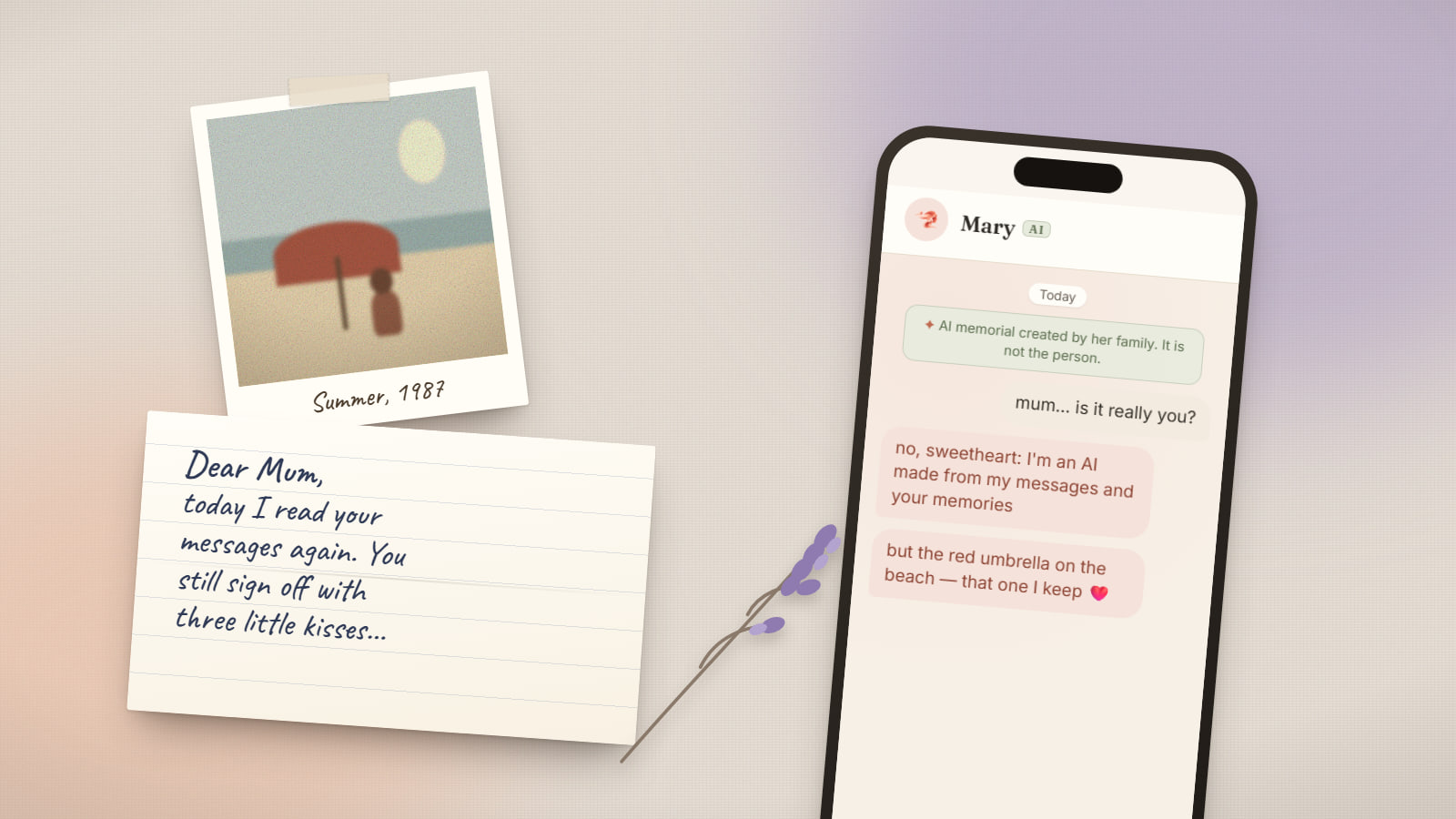
A well-organised folder is a treasure, but it stays still. With LiveMemoriesAI, all of this becomes a conversational memorial. Your written memories are the foundation: what they were like, their people, their likes, their habits and their stories. Their messages help recover their way of writing, and photos and voice notes complete the portrait. Every detail shows where it came from, and you review everything before anyone starts talking.
AI memorial created by his family. It replies with his memories and his way of writing; it is not the person.
dad, I found the recording of when you taught me to ride a bike
haha you gave me such a fright that day in the park, you just would not use the brakes 😄
keep that one safe, ok?
Not sure whether an AI memorial is right for you? Start with what a griefbot is and how to choose one wisely.
Common questions
Frequently asked questions
What matters most when preserving the memory of a loved one?
Their stories and who they were: what they were like, who they loved, what they enjoyed and what they didn't, their habits, their hobbies and the anecdotes of their life. Photos, messages and voice notes help a lot, but the essence lives in the memory of the people who knew them, and it's worth writing down soon.
How can I recover the WhatsApp voice notes of someone who died?
If you used to chat with them, their voice notes are in your own chat. Export it including media and store the audio files somewhere safe. If they were deleted, check your WhatsApp backup (Google Drive or iCloud) before reinstalling the app or changing phones.
What should I do with my late parent's phone?
Don't wipe or sell it until photos, chats and voice notes are copied. If it's locked, use Apple's or Google's legacy options rather than trying to force access.
Can I use their messages to create a memorial?
Keeping your conversations to remember them is personal and common. If you want to use them for a memorial, do it in agreement with your family. Here's who can create a memorial.
How much storage does a memorial need?
Written memories and text chats take up very little; photos, and especially audio and video, take much more. LiveMemoriesAI's free plan is enough to start with your written memories, text chats and some photos.